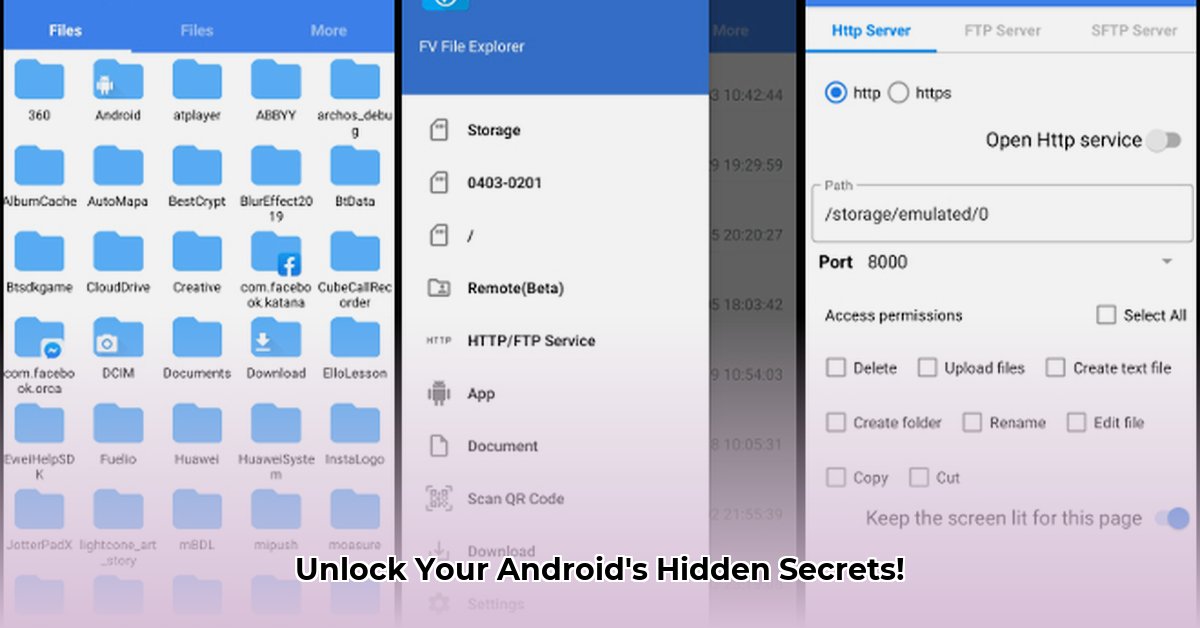
Accessing files on your Android device can be surprisingly difficult, especially on newer versions. Many users struggle to access crucial app data stored in folders like /Android/data and /Android/obb. This guide explains how to use Shizuku, a powerful tool, to bypass these restrictions and unlock full access with FV File Explorer, without the risks associated with rooting your device. We'll cover the steps, security considerations, and alternatives.
Android's Enhanced Security: A Necessary Evil?
Modern Android versions, notably Android 13 and later, prioritize user security by restricting direct access to system files. While this bolsters privacy, it also makes accessing certain app data more challenging for users and developers. This trade-off between security and convenience is a key consideration when choosing a method for accessing restricted files.
Shizuku: A Safer Alternative to Rooting
Shizuku is a unique tool that allows access to restricted areas without the need for rooting – a process that carries significant security risks and potential damage to your phone. It acts as a bridge, leveraging existing Android permissions to connect your file explorer (like FV File Explorer) to normally inaccessible directories. This approach is generally much faster, easier, and significantly less risky than rooting.
Step-by-Step Guide: Accessing Restricted Folders with Shizuku and FV File Explorer
The following steps will guide you through using Shizuku to access the /Android/data and /Android/obb directories using FV File Explorer:
Download Shizuku: Obtain the Shizuku application from its official and verified source (e.g., the official GitHub repository). Be cautious: downloading from untrusted sources could expose your device to malware.
Grant Permissions: Follow the in-app instructions, which typically involve enabling USB debugging and granting necessary permissions to Shizuku. This allows Shizuku to interact with the Android system.
Configure FV File Explorer: Ensure your FV File Explorer app is compatible with Shizuku. This might involve configuring specific settings within FV File Explorer to enable interaction with Shizuku's bridge.
Access Restricted Folders: Launch FV File Explorer. You should now have access to previously restricted directories, such as
/Android/dataand/Android/obb. Remember to browse these folders responsibly.
Security Considerations: Understanding the Risks
While Shizuku offers a safer alternative to rooting, it does involve granting significant system permissions. It’s crucial to understand the inherent risks:
Source Verification: Only download Shizuku from trusted, verified sources to prevent the installation of malicious software. Always double-check the URL and source authenticity.
Permission Awareness: Carefully review the permissions Shizuku requests. Understanding the scope of access granted is paramount to managing potential risks.
Responsible Use: Remember that granting broad permissions to Shizuku increases the potential impact of compromised security. Use this tool responsibly and cautiously.
Shizuku vs. Other Methods: A Comparison
| Feature | Shizuku | Rooting | Other Methods |
|---|---|---|---|
| Security Risk | Lower | High | Varies greatly |
| Complexity | Relatively simple | Complex, potentially irreversible | Can be very complex |
| Access Level | Limited access to system directories | Full system access | Varies depending on specifics method chosen |
| Speed | Relatively fast | Varies greatly | Often slower |
Addressing Manufacturer-Specific Limitations
Different Android manufacturers (Samsung, Xiaomi, etc.) implement varying levels of customization. This can sometimes interfere with Shizuku's functionality. The effectiveness of Shizuku may vary depending on your specific device and manufacturer's customizations.
Troubleshooting Common Issues
If you encounter problems, carefully review the installation steps, verify that all necessary permissions are granted, and check your FV File Explorer settings. Consult Shizuku's official documentation for more detailed troubleshooting assistance. Consider checking for updates for both Shizuku and FV File Explorer.
Conclusion: Empowering Access While Prioritizing Security
Shizuku offers a powerful way to bypass Android's file access restrictions, providing a considerable advantage over rooting. It is a valuable tool when used correctly with FV File Explorer, offering greater control over your files. However, always prioritize security by carefully understanding the associated risks before utilizing Shizuku and by using it only from official and trusted sources. The key is responsible and informed usage.
⭐⭐⭐⭐☆ (4.8)
Download via Link 1
Download via Link 2
Last updated: Saturday, May 10, 2025